| Pros | Cons |
|---|---|
| Generates high-quality images with incredible accuracy and flexibility | Free version offers limited image credits |
| Offers creative control with text or image prompts | Learning curve for advanced features like model customization and canvas manipulation |
| Includes canvas-based editing, outpainting, and background removal tools | Access to high-resolution images and advanced features requires a paid plan |
| User-friendly interface for beginners | Limited for heavy users or professionals without upgrading |
| Combines high-level creative features with intuitive workflows | Some features may require a steep learning curve |
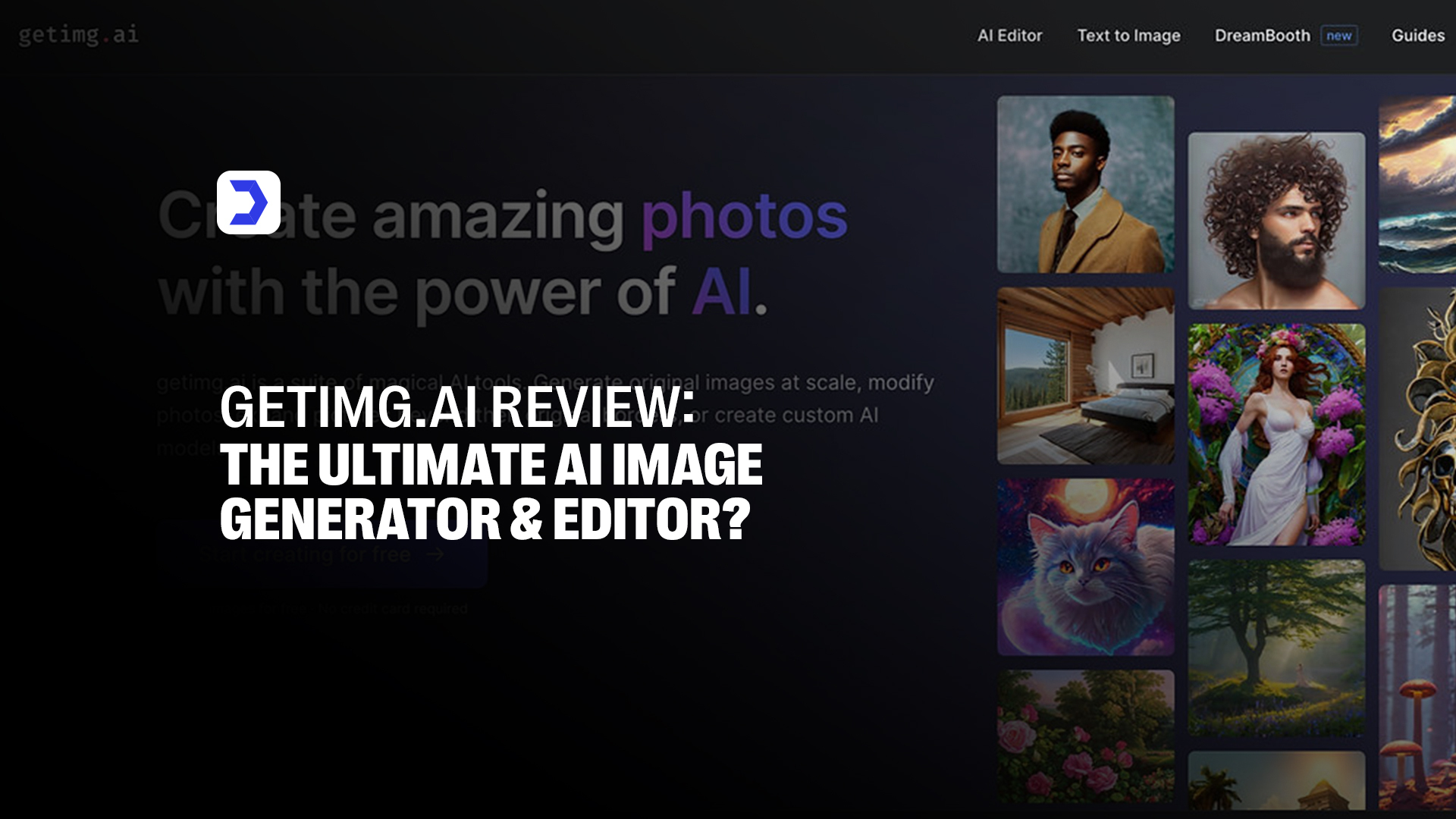
As artificial intelligence revolutionizes the creative industry, many users ask, “What is the most accurate AI image generator?” With dozens of platforms offering generative capabilities, finding one that balances precision, speed, and flexibility is crucial. Getimg AI enters this competitive field as a feature-rich and accurate image generation and editing platform built on powerful diffusion models. It’s designed for users who need more than just static AI images, and it’s built for those who want full creative control, from concept to post-editing. Much like how Character AI reshapes the way users build and interact with AI-powered digital personalities through advanced customization and real-time adaptability, Getimg.ai offers a similarly deep level of control over visual output, allowing for stylized prompts, image-to-image editing, and full-scale canvas manipulation. This synergy of creative power and user-driven design positions Getimg AI as a strong contender among today’s most accurate AI image generators.
Getting Started with Getimg AI
1. Creating an Account
-
- To begin using Getimg AI, users must sign up by visiting the official Getimg.ai website.
- The process is quick and intuitive; just enter your email, choose a password, and verify your account.

- The Getimg AI sign up process ensures secure access, and once completed, you can instantly access the Getimg AI image generator.

2. Navigating the User Interface
-
- Once logged in via the Getimg AI login portal, a clean, well-organized dashboard greets users.
- This dashboard offers direct access to tools like Text-to-Image, Image-to-Image, and Getimg AI Canvas, an interactive editor that supports inpainting and outpainting.
- The UI is modern yet simple, making it easy for first-time users to create visuals quickly. Integrated tooltips and a seamless flow make navigation intuitive for professionals and casual users alike.

How to Use Getimg AI: A Step-by-Step Guide
1. Step 1: Selecting or Uploading an Image
To upload a file straight from your device, select the “Upload Image” option. For best results, select a clear, high-resolution photograph that provides enough detail for the AI.

2. Step 2: Writing an Effective Prompt
Describe your vision for the new image by entering a detailed and specific prompt. The more clearly you communicate your idea, the better the AI can interpret and generate results that match your expectations.
Be clear and intentional with your prompt, mention the style, atmosphere, and key details you want in the image.

Including descriptive keywords like “digital illustration,” “vintage aesthetic,” or “cinematic lighting” can help guide the AI more accurately.
If there are elements you don’t want to appear, add them as negative prompts (e.g., “no text overlay” or “exclude blurry edges”).
Prompt Example: “Medium Portrait shot of a pitbull, wearing a T-Shirt.”
Negative Prompt: “Do not include harsh lines or urban elements.”
3. Step 3: Adjusting the Strength Parameter
Adjust the strength slider to fine-tune how closely the final image reflects the original. Lower values keep more of the original details, while higher settings allow the AI to take greater creative liberty in transforming the image.

Lower strength setting (around 0.1–0.3) allows the AI to create a vastly different version of your image, perfect if you’re looking for a bold, reimagined concept.
Medium strength (0.4–0.6) strikes a balance, blending the core elements of your original with a fresh stylistic twist. For those who want to preserve most of the original while applying light enhancements,
Higher settings (0.7–1.0) keep the final result closely aligned with the initial image.
4. Step 4: Choosing a Style or Model
Select a visual style and AI model to guide the creative tone of your image. Whether you’re aiming for a realistic finish, a stylized artistic look, or an anime-inspired design, the style you choose sets the overall mood. For faster results, opt for Essential Mode, while Stable Diffusion Mode offers deeper customization and more control over the final outcome.

5. Step 5: Generate the Images
Decide how many versions you want to see; up to 10 variations can be generated at once. Once you’ve set your preferences, click the “Create Images” button to let the AI bring your vision to life.

6. Step 6: Download Your Image
Browse through the generated results, select the one that best fits your vision, and download it directly to your device for personal or professional use.

What is Getimg AI?
Getimg AI is an advanced browser-based AI image generator and editor that enables users to create, transform, and edit visuals with the help of generative models like Stable Diffusion. It offers multiple tools under one platform, Text-to-Image, Image-to-Image, and a powerful canvas for inpainting and outpainting, allowing beginners and professionals to bring visual ideas to life with minimal effort. Designed for speed, flexibility, and quality, Getimg.ai is a creative suite catering to artists, marketers, developers, and content creators.
What makes Getimg AI particularly effective is its balance between intuitive functionality and high-level customization. Users can describe what they want in natural language, select from various styles and models, and even fine-tune the intensity of the transformation. This approach to creative automation mirrors what platforms like Gizmo AI are doing in the education space, using prompt-based inputs to generate study material tailored to individual learning styles. Similarly, tools such as Bing AI integrate AI into search and productivity workflows, allowing users to engage with content in more personalized and intelligent ways. Getimg.ai fits right into this growing ecosystem of prompt-driven AI tools that adapt to user needs in real-time, offering not just image generation, but a truly interactive design experience.
Top Benefits of Getimg AI
1. Free AI Image Generation:
Getimg AI free users can access a generous number of image generations each month without payment. This allows for experimentation, much like how Gauth AI provides free academic support powered by intelligent automation.
2. Create High-Quality Images:
Using advanced models, Getimg AI delivers crisp, professional-grade visuals suited for digital projects. Its precision echoes how Quillbot AI refines written content through advanced paraphrasing tools that maintain clarity and quality.
3. Own Your Images:
All content generated with Getimg AI belongs to the user, supporting full commercial use, ideal for branding. This direct ownership model aligns with how Gauth AI enables learners to control their educational content creation experience.
4. More Than Just an AI Photo Generator:
Beyond generation, Getimg AI offers editing tools like canvas painting and background extensions. It integrates creative control similar to how Quillbot AI assists writers by offering stylistic choices and tone refinement during content editing.
5. Fast and Easy to Use:
The Getimg AI app simplifies creation with an intuitive UI and real-time rendering. This ease mirrors the experience of using Gauth AI, where educational assistance is delivered instantly based on prompt-driven queries and student input.
6. Diverse Image Styles and Customization:
Whether you prefer realism, anime, or abstract art, Getimg AI supports multiple styles and model choices. Similar to Quillbot AI, which lets users tailor rewriting styles, Getimg ensures your visual output reflects your unique intent.
7. Constant Updates and Improvements:
Getimg.ai consistently refines its models and adds new tools based on user feedback. This ongoing evolution is comparable to Gauth AI, which continuously adapts to educational needs through AI-enhanced updates that improve user performance and experience.
Quick Steps to Download Getimg AI
1. Visit the Website
To access the Getimg AI app, begin by visiting its official website. Since Getimg AI is web-based, there’s no need for a traditional app download; it’s fully functional through your browser. This structure provides instant access to its full suite of tools without requiring any installation. A similar approach is adopted by platforms like Copy AI, which operates entirely online, offering users a fast and frictionless way to dive into content creation without setup delays.
2. Create an Account
You’ll need to create an account to unlock the features of Getimg AI. The sign-up process is simple and quick, requiring only a few steps to set up your profile. After verifying your email, you can log in and receive initial Getimg AI free credits to start exploring the tools. This account setup process echoes the user experience on Copy AI, where users are guided through a smooth onboarding flow, allowing them to start crafting AI-generated text without technical barriers quickly.
3. Start Creating
Once you’re logged in, you’re ready to start creating with Getimg AI. Whether using Text-to-Image, Image-to-Image, or the Getimg AI canvas, the platform responds swiftly to user inputs and provides multiple visual outputs. You can edit, refine, and download your preferred result within seconds. This responsive, prompt-driven interaction resembles Copy AI, where users provide simple text inputs and instantly receive refined, publish-ready content. Both platforms thrive on the ability to transform ideas into polished results in just a few clicks, saving creators valuable time and effort.
How to Cancel Getimg AI Subscription
If you’ve been exploring the creative power of Getimg AI but decide to discontinue your subscription, the process to cancel is simple and user-friendly. Start by logging into your Getimg AI account, then navigate to the billing or subscription settings within your dashboard. From there, select the “Cancel Subscription” option. This will stop future billing while still allowing access to premium features until the current cycle ends. It’s important to use any remaining Getimg AI credits before the cancellation takes effect, as unused credits may not roll over.
The ability to easily manage your subscription reflects a broader standard seen in AI tools designed with user flexibility in mind. On platforms such as those reviewed at Digital Software Labs, the emphasis is on providing creators and professionals with control, whether that’s over the creative output of an AI tool or managing your usage plan. This seamless approach to user experience is what sets tools like Getimg AI apart in the growing AI productivity ecosystem.
Pricing Getimg AI
| Plan | Monthly Price | Credits Included | Features |
| Free | $0 | 100/month | Basic access, limited image generation |
| Starter | $12 | 1,000/month | HD output, faster rendering |
| Creator | $29 | 2,500/month | Access to all tools and premium features |
| Pro | $49 | 6,000/month | API access, priority support |
Alternative Getimg AI
| Features | Getimg AI | ArtSmart | NightCafe | LimeWire |
|---|---|---|---|---|
| Starting Price | $8/month (X Premium+) | Free / Paid Plans | Free / Paid Plans | Free / Subscription |
| Platform Type | AI Image Generation | AI Art Creation | AI Art & Image Generation | AI Art and Digital Media Sharing |
| Key Features | Canvas-based editing, outpainting, background removal, text/image prompts | Customizable art generation, AI drawing tools | Advanced style transfer, image-to-image transformations | AI art creation, music and media sharing platform |
| Customization Options | Limited customization options | High degree of customization for AI art | Moderate customization with different AI models | Moderate customization for artwork & media |
| Available Models | Diffusion models | Generative AI models for art | StyleGAN, neural networks | Generative AI models, Music AI |
| Platform Accessibility | Web-based, X platform integration | Web and mobile apps | Web and mobile apps | Web and desktop apps |
| Community & Sharing | Image sharing and prompt-based community | Community-based art sharing | Community challenges, social sharing features | File and media sharing platform for creators |
| Who Would Benefit | Designers, content creators, digital artists looking for high-quality, flexible AI image generation | Artists, graphic designers, and creatives seeking highly customizable AI-driven artwork creation | Artists and creators interested in AI-assisted transformation, style transfer, and image manipulation | Creators and artists interested in AI-generated art and digital media sharing, including music and multimedia |
| Free Trial | Limited free credits | Yes, free version available with limited features | Yes, free version with limited credits | Free for basic usage, premium plans available |