Summary
- Google Opal now supports automated workflow creation, allowing users to streamline and automate repetitive tasks across multiple platforms.
- Integration with the Google Tasks app enables seamless task management, reducing manual input and enhancing efficiency.
- The new features utilize artificial intelligence to offer personalized automation, improving workflow management and boosting productivity.
- Opal’s automation functionality lets users create triggers and actions, simplifying complex processes and saving time.
- The updated Opal is highly scalable, making it adaptable to both personal and professional workflows, ensuring long-term effectiveness and ease of use.
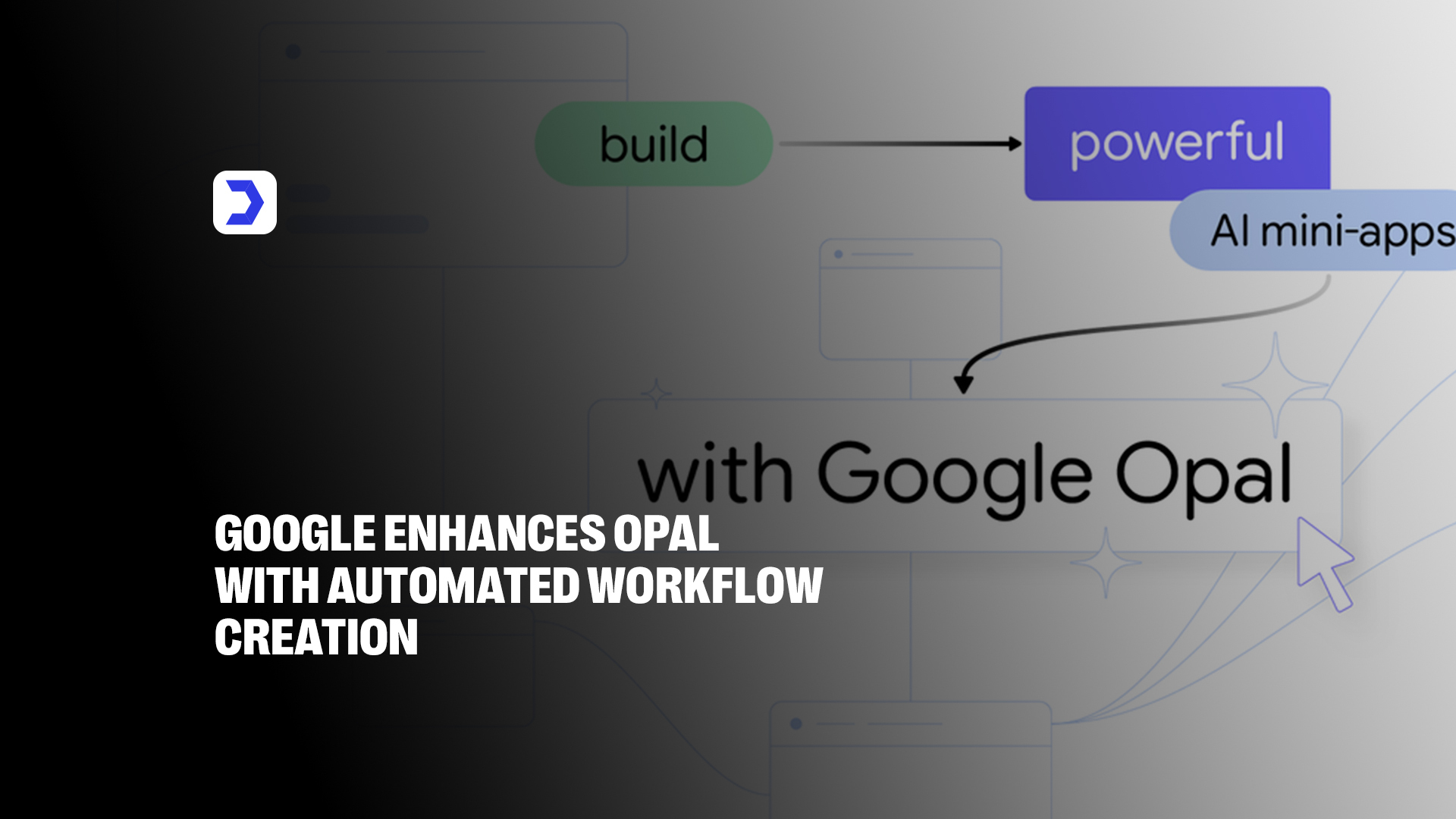
The digital landscape is witnessing a seismic shift as Google transforms its no-code visual builder into a fully autonomous agentic ecosystem. Google Opal, originally launched as a construction kit for AI mini-apps, has received a massive upgrade that allows users to move beyond manual node-dragging. By integrating the Gemini 3 Flash model, the platform now supports a “generate” step where an AI agent independently analyzes your goals, creates a structured plan, and executes tasks using tools like Web Search or Veo for video generation. This evolution effectively bridges the gap between simple automation and true artificial intelligence, making sophisticated app creation accessible to everyone.
This update represents a fundamental pivot in how we interact with technology. Instead of manually defining every API call, users can now describe a high-level goal and let the agent handle the heavy lifting. This seamless transition is part of a broader trend where Google begins testing unified AI overviews and AI mode experiences to ensure that while the system acts with autonomy, it remains firmly grounded in user intent and verifiable data. To support this scale, the platform is now capable of managing over 500,000 active workflows simultaneously, ensuring that background tasks planned by the agent execute in under 30 seconds for a frictionless experience.
From Static to Dynamic Interactions
In its initial release, Opal functioned largely as a linear flow builder where users provided the input and mapped the output. The new automated workflow creation changes this dynamic entirely by introducing “Agentic AI” capabilities. Now, the Google Opal agent doesn’t just follow a path; it reasons through it. If a task requires more context, the system initiates an interactive chat to gather details, ensuring the workflow adjusts dynamically to your needs.
This shift toward more intuitive, context-aware systems is a hallmark of Google’s current design philosophy. We see similar advancements where Google launches Android 16 with smarter alerts, controls, and UI upgrades to reduce friction in user interactions. By making agents natively interactive, Google ensures that tasks remain accurate and relevant, reducing the need for constant manual oversight in the artificial intelligence app environment while maintaining a database accuracy rate of 99.9% for state-tracking.
Enhance Your Opal Agent with New Tools
To support more complex workflows, Google has integrated high-performance features that turn simple mini-apps into professional-grade business tools.
- Memory and Data Persistence: Using Google Sheets, agents can now remember user preferences and data across multiple sessions, allowing for persistent applications like order trackers or shopping lists.
- Dynamic Routing: The agent can evaluate its own progress and decide which step to trigger next, such as summarizing data before emailing it.
- Ecosystem Integration: Seamless connection with the Google Tasks app allows agents to automatically populate action items from a brainstorming session.
However, as AI becomes more autonomous, the need for accuracy is paramount. This is a critical concern in the industry, especially as AGs warn Microsoft, OpenAI, and Google over delusional AI outputs that could lead to misinformation. Google addresses this in Opal by maintaining a “plan then act” transparency, where users can audit the AI’s logic, which is now backed by a 256-bit encryption layer to protect sensitive business data.
More Ways to Build in Opal
Google’s strategy with Opal is to lower the barrier to entry until it disappears. By focusing on “vibe coding”, the ability to build by simply expressing an idea, they are opening the doors for small business owners and educators to build custom software in minutes. You can now create anything from a “Blog Post Factory” that generates SEO-optimized drafts to a “Retail Stock Minder” that flags low inventory.
For those keeping an eye on the latest industry news by Digital Software Labs, the consensus is clear: the distinction between “user” and “developer” is blurring. Whether you are automating your content factory or building an internal tool for resource optimization, Opal provides an agentic experience that interacts directly with your browser to complete multi-step processes on your behalf. This unified approach allows the system to process over 1,000 rows of data per second within the opal interface without lag.