Summary
- iOS 26.2 introduces greater user control by allowing Lock Screen adjustments while retaining the core liquid glass iOS 26 design system.
- Visual refinements in this iOS update improve contrast, readability, and interaction flow across system elements and the iPhone Lock Screen.
- Offline lyrics support adds practical value to the new iOS update, ensuring uninterrupted access during limited connectivity.
- Security upgrades strengthen system stability, reinforcing trust across devices running iOS 26.
- Emergency alert improvements ensure critical notifications remain visible and timely within the Apple update framework.
- Apple’s privacy-first approach continues to shape system intelligence, aligning protection with innovation across the new iPhone update.
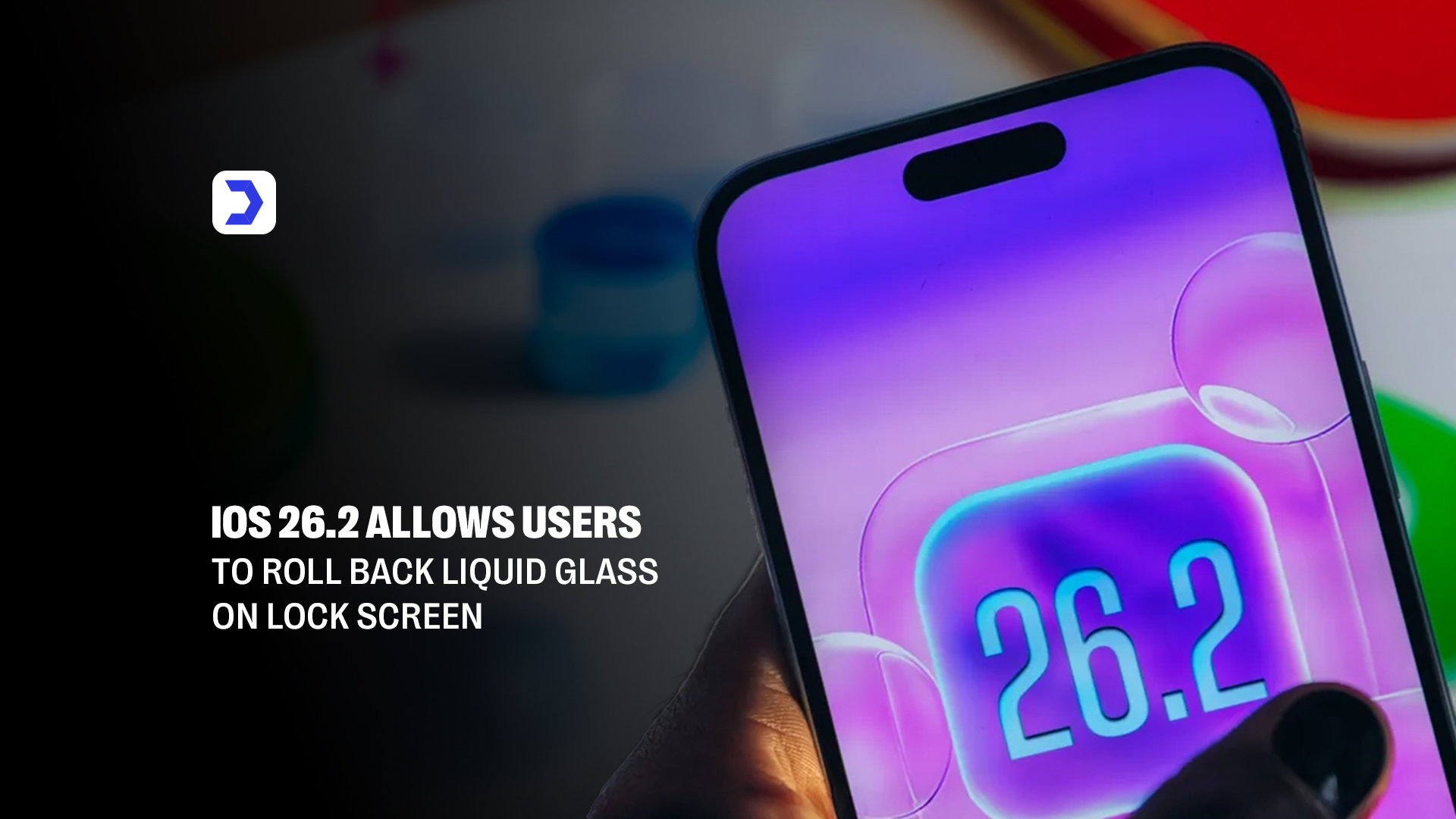
Apple has refined its design direction with iOS 26.2, giving users the ability to roll back the liquid glass iOS 26 effect specifically on the iPhone Lock Screen. The original liquid glass Apple interface introduced layered translucency, reflective depth, and motion-based lighting intended to modernize the visual identity of iOS 26. While visually ambitious, the effect sparked usability concerns, particularly around notification legibility, contrast stability, and visual strain during frequent lock screen interactions. These concerns quickly became a focal point in Apple iOS news, shaping discussion around whether the new iOS update prioritized aesthetics over clarity.
With this iOS update, Apple now allows users to retain the broader design language of iOS 26 while reverting the Lock Screen to a more stable, opaque presentation. This selective control aligns with how Apple has been incrementally refining the liquid glass interface introduced during earlier iOS 26 beta releases, where adjustments to blur intensity, background diffusion, and text layering were already being tested and refined in response to early feedback. By limiting the rollback option to the Lock Screen, Apple avoids fragmenting the overall system experience while restoring readability in one of the most frequently accessed areas of the device.
From a practical standpoint, this change directly impacts daily usability. Notifications appear sharper, widgets regain visual separation from wallpapers, and glance-based interactions become faster and less cognitively demanding. For users weighing whether should update to iOS 26, the update removes one of the most cited drawbacks of the new iPhone update, especially for those who rely on their Lock Screen for productivity, accessibility, or emergency alerts.
Rather than abandoning its visual strategy, Apple is signaling a more adaptive design philosophy, one that balances innovation with real-world usage patterns. In doing so, iOS 26.2 reinforces Apple’s broader reputation within Apple News for evolving its software through measured refinement rather than abrupt reversals, making this update a stabilizing point in the iOS 26 lifecycle.
iOS Update Brings Visual Tweaks and Offline Lyrics Support
The iOS 26.2 update extends beyond Lock Screen adjustments, delivering a set of refinements that focus on everyday usability while preserving the broader visual identity of iOS 26. Apple has subtly recalibrated transparency levels across system menus, notification banners, and widgets to reduce visual noise introduced by liquid glass iOS 26. These refinements improve contrast consistency, particularly when dynamic wallpapers and live elements interact, making the interface feel calmer without stripping away the modern glass-inspired aesthetic that defines the new iOS update.
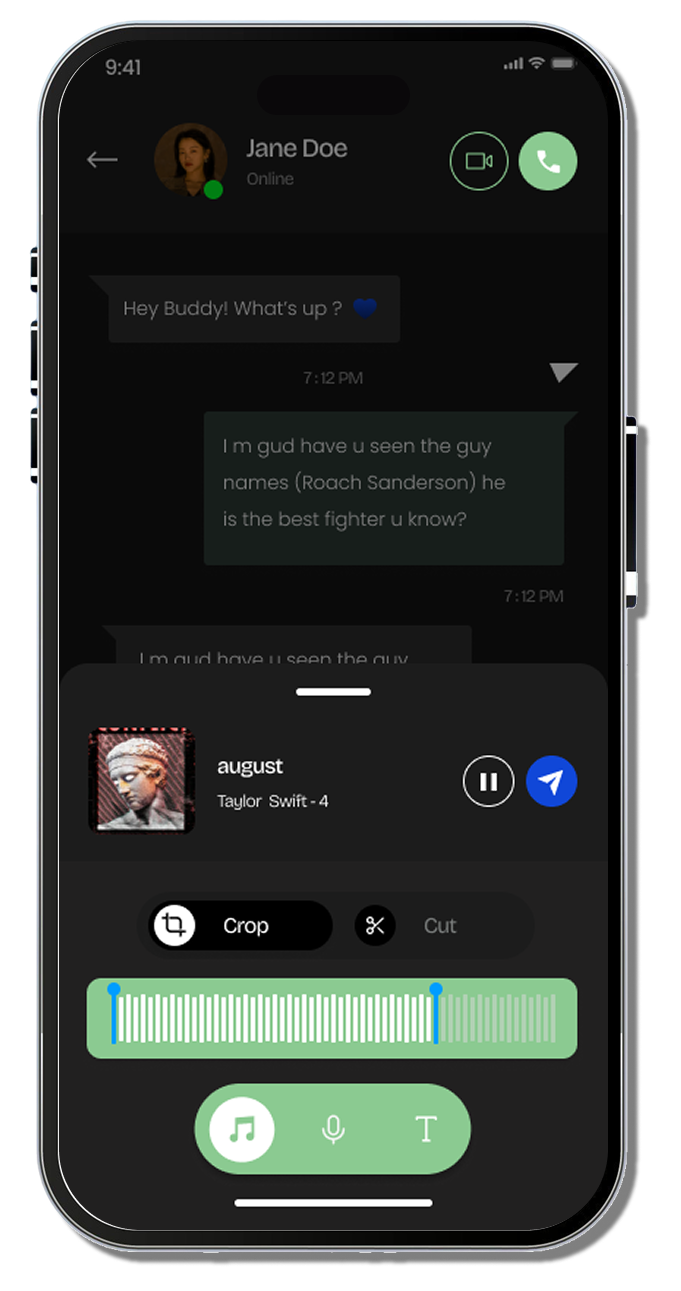
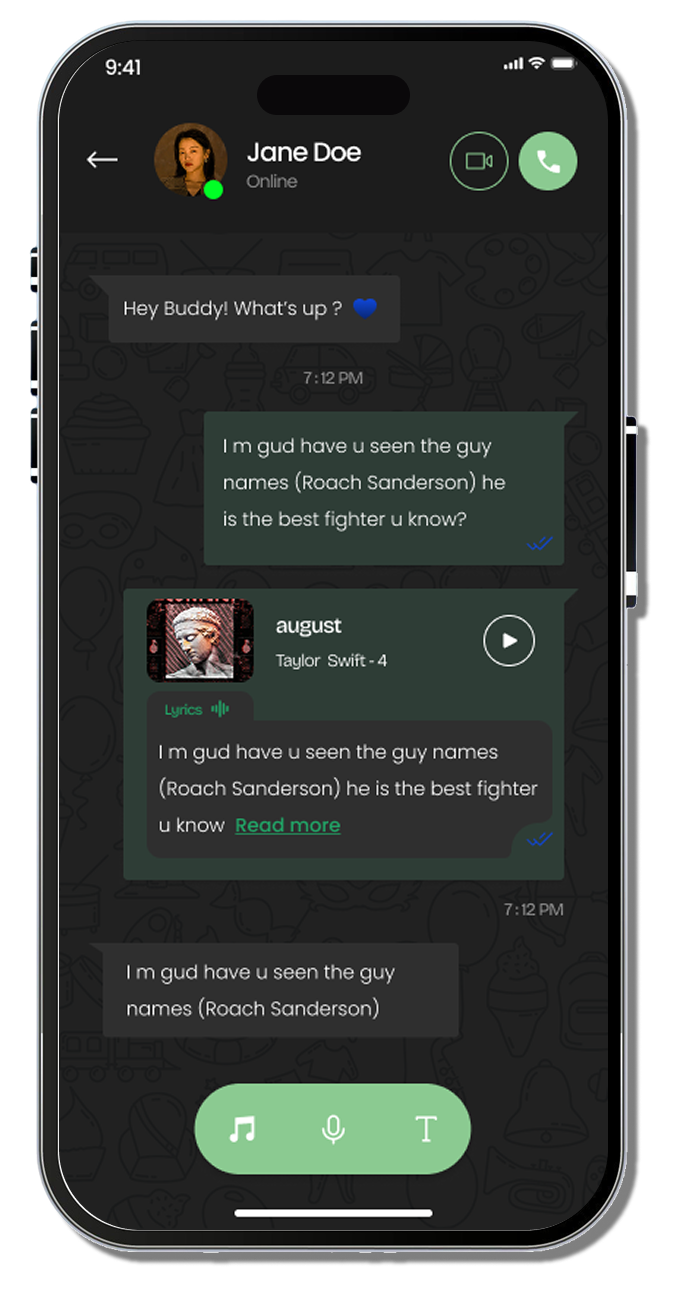
One of the most practical additions in this Apple update is offline lyrics support in Apple Music. Lyrics that were previously streamed now remain accessible once cached, allowing uninterrupted access during travel or low-connectivity situations. While this feature does not radically alter the music experience, it reflects Apple’s continued focus on resilience and continuity, ensuring core features remain functional regardless of network conditions.
Behind these refinements lies a deeper layer of system intelligence. Many of the visual tweaks in iOS update 26.2 are closely tied to how the operating system now processes contextual awareness, animation timing, and interface responsiveness. These adjustments are increasingly shaped by Apple’s expanding use of on-device intelligence, where layout behavior adapts based on user interaction patterns and environmental conditions. This shift mirrors how developers are already aligning their apps with Apple’s evolving system intelligence, particularly as third-party experiences begin to integrate more deeply with the AI-driven capabilities introduced across iOS 26, a direction reflected in how developers are embracing Apple’s AI frameworks to refine UI responsiveness and system-aware behaviors within their apps.
From a user perspective, the result is an interface that feels more intentional. Animations resolve faster, text remains readable across lighting conditions, and system transitions appear smoother without drawing unnecessary attention. These changes also benefit accessibility, as reduced transparency and improved hierarchy help users distinguish critical information at a glance, especially on the iPhone Lock Screen and notification center.
Security Updates and Emergency Alert Improvements
Security enhancements remain a core focus of iOS 26.2, strengthening Apple’s commitment to user protection as system intelligence and interface complexity continue to expand. This iOS update addresses multiple background vulnerabilities related to memory allocation, kernel-level access, and app isolation, reducing the risk of unauthorized processes affecting system stability. These protections operate silently but are essential for maintaining performance across devices running iOS 26, particularly as features tied to liquid glass iOS 26 and on-device intelligence place higher demands on the operating system.
Emergency alert delivery has been meaningfully refined in this Apple update, ensuring critical notifications reach users even during periods of heavy network congestion. Apple has improved alert prioritization so that emergency messages surface immediately on the iPhone Lock Screen, bypassing non-essential background activity and maintaining clear visibility regardless of visual settings. This is especially important for users who have customized or reduced liquid glass Apple effects, as alerts now maintain consistent contrast and readability under all interface configurations.
Alongside these changes, Apple has reinforced its privacy safeguards as system intelligence becomes more deeply embedded within the new iOS update. Data processing continues to favor on-device execution, limiting unnecessary data sharing while enabling contextual awareness across apps and system services. This security posture aligns closely with Apple’s broader privacy framework, particularly its privacy-first strategy for advancing AI models with user data, which explains why protection mechanisms in iOS update 26.2 are designed to scale alongside AI-driven features rather than react after deployment.From a wider industry perspective, these security and privacy refinements fit into Apple’s ongoing software evolution as tracked across Digital Software Labs news, where developments in Apple’s operating systems are analyzed in relation to platform strategy, regulatory pressure, and ecosystem growth. This broader context helps explain why Apple continues to prioritize trust, resilience, and emergency readiness as defining elements of each new iPhone update.